
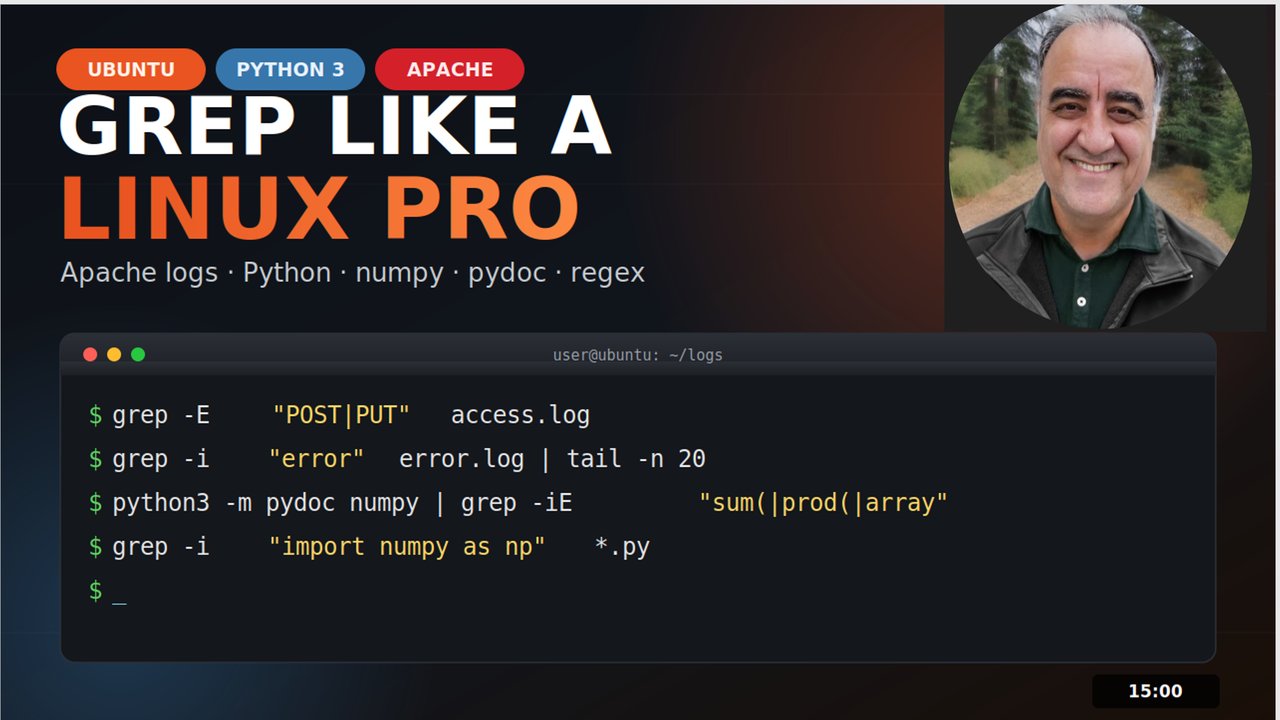
"The Linux Command Every Developer Uses Daily But Never Fully Understands 🔍"
Stop Scrolling Through Files — Use grep Like a Pro ⚡
Messy log file scrolling fast.
Can you imagine searching a log file with 50,000 lines. How do you find the one error that's crashing your app? Most people scroll… Don't be that person.
Meet the grep command — Global Regular Expression Print. One command. Infinite power. Let's go.
Add the -i to ignore uppercase or lowercase. No more missed matches.
Need to search every file in a folder? -r has you covered.
Add the -n for line numbers and --color to highlight. Perfect for debugging."
cheat sheet summary card.
That's the grep in less than 180 seconds. Follow @MWebUniversity — next time we level up with egrep, sed, awk, and more ... Like if you learned something new! 🔥"
👋 Welcome to @MWebUniversity! Here's your quick grep cheat sheet — bookmark this! 🔖 ✅ grep "pattern" file → basic search ✅ grep -i "pattern" file → ignore case ✅ grep -r "pattern" ./dir → search folders ✅ grep -n "pattern" file → show line numbers ✅ grep -v "pattern" file → exclude matches ✅ grep -c "pattern" file → count matches 💬 Comment below: Which Linux command should we break down next? Drop it below — the most liked one becomes our next video! 👇 🔔 Subscribe for daily Linux tips → @MWebUniversity #Linux #grep #Terminal